
Cold Wallet Setup Guide
Why Use a Cold Wallet?
Cold wallets are essential for securing your XRP and other digital assets. They store your crypto offline, protecting it from hackers, exchange failures, and online vulnerabilities. When you use a cold wallet, you hold the keys—literally—to your wealth and sovereignty.
Step-by-Step: Set Up Your Cold Wallet
- Choose Your Cold Wallet: Recommended wallets include:
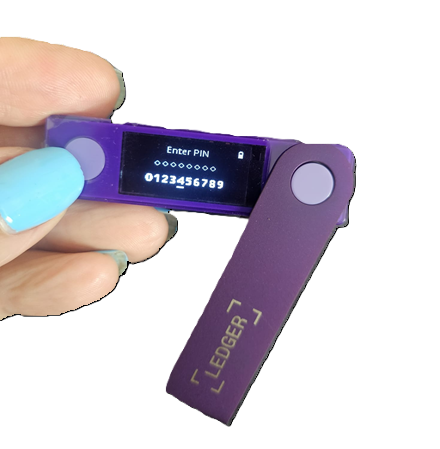
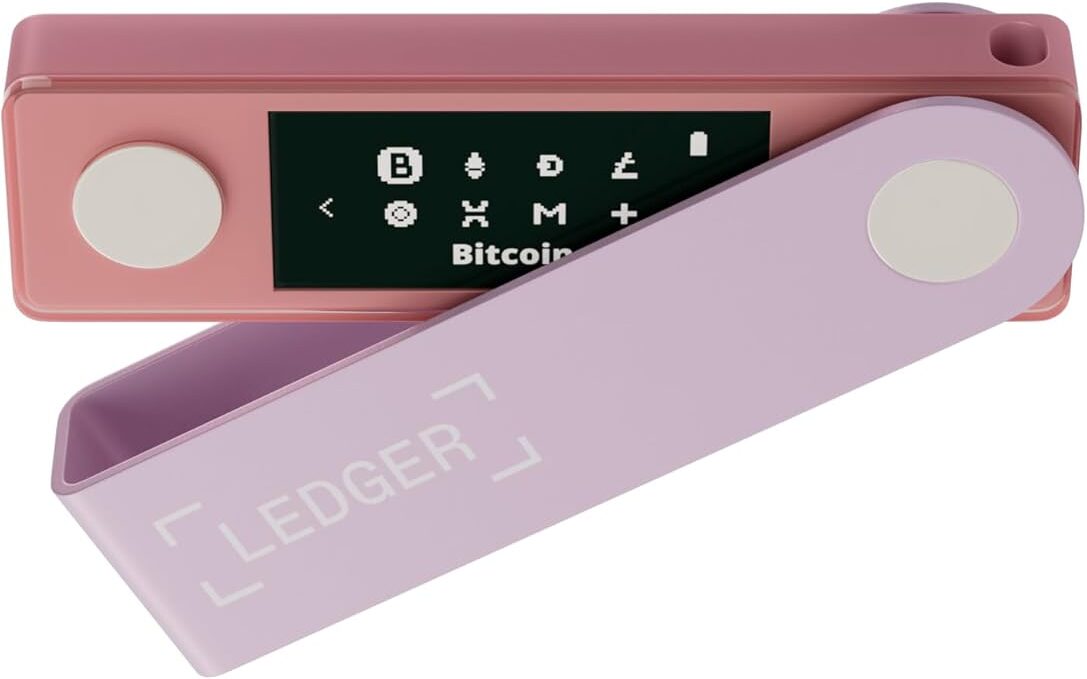
- Ledger Nano X – a physical hardware wallet offering high security.
- XAMAN (formerly XUMM) – a mobile XRP wallet with powerful features.
- Set Up Your Wallet:
Follow the official setup instructions for your device or app. You will be prompted to create a 24-word recovery phrase. This is your master key—write it down and store it in a safe place offline. Never share it with anyone.
- Get Your Receiving Address:
Your wallet will generate an XRP Ledger address that looks like:
rEXAMPLEADDRESS123.... This is your personal wallet address where you will send your XRP. - Activate the Wallet:
The XRP Ledger requires a minimum 10 XRP balance to activate a new wallet. Send at least this amount to make the wallet live.
- Transfer Your XRP:
From your exchange (like Kraken or CoinSpot), initiate a withdrawal to your wallet address. Important: If the wallet app does not give you a destination tag, you can leave that field blank.
- Verify the Transfer:
Once the XRP appears in your cold wallet, you’re all set. Your funds are now secure, and you are in full control.
Tips for Safe Storage
- Never share your 24-word recovery phrase. Not even with friends or tech support.
- Write it down on paper and store it in a fireproof box or secure location.
- Avoid screenshots or storing it digitally unless encrypted offline.
You’re Now Sovereign
Congratulations. You now own your XRP outside of any centralized exchange. You’re protected from third-party failures and have taken a powerful step toward financial sovereignty. Let this be the beginning of your deeper journey into digital freedom.
Back to XRP Page →